
Pro Needs GreetPlayer Pro.
GreetPlayer Pro is a separate plugin that you download from your ThemeAtelier account. It works on its own: while Pro is active, the free plugin’s features are switched off, so you can keep the free plugin installed or remove it.
Step by step
Install GreetPlayer Pro and activate your licence.
-
Download Pro
Log in to your ThemeAtelier account and download the GreetPlayer Pro zip and your licence key.
-
Upload and activate
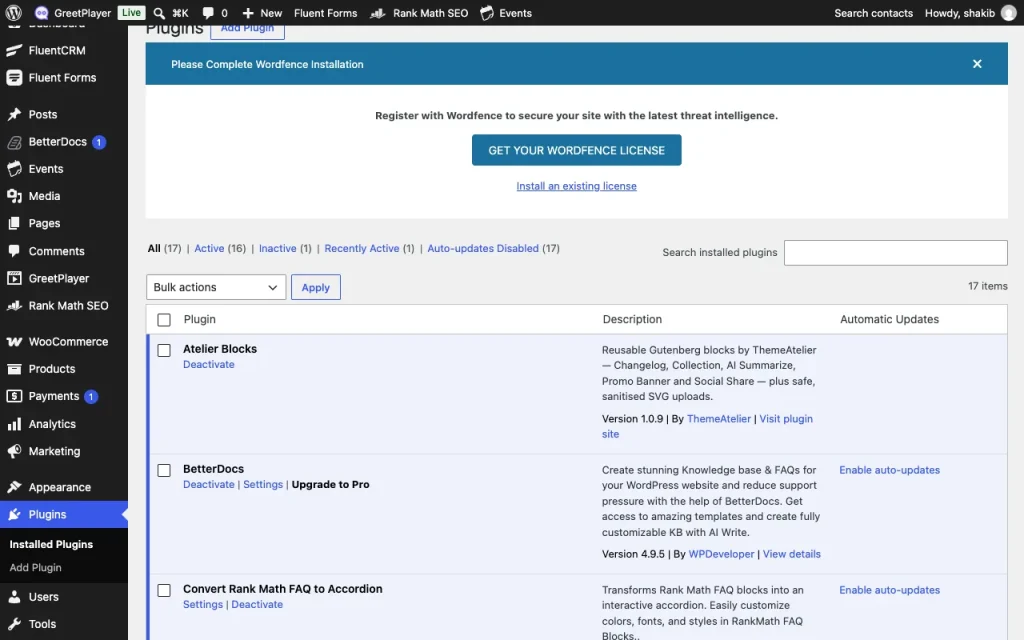
Go to Plugins → Add New Plugin → Upload Plugin, choose the zip, click Install Now and then Activate.
-
Enter your licence key

Go to GreetPlayer → Settings → License, paste the key into GreetPlayer License Key and click Activate.
See it live See a Pro feature: lead capture →