
Free Works in GreetPlayer Free and Pro.
A playlist lists existing Media entries. Each item keeps its own settings: skin, chapters, captions, overlays and so on. A playlist can mix videos and audio.
Step by step
Build a playlist and embed it.
-
Create the items first
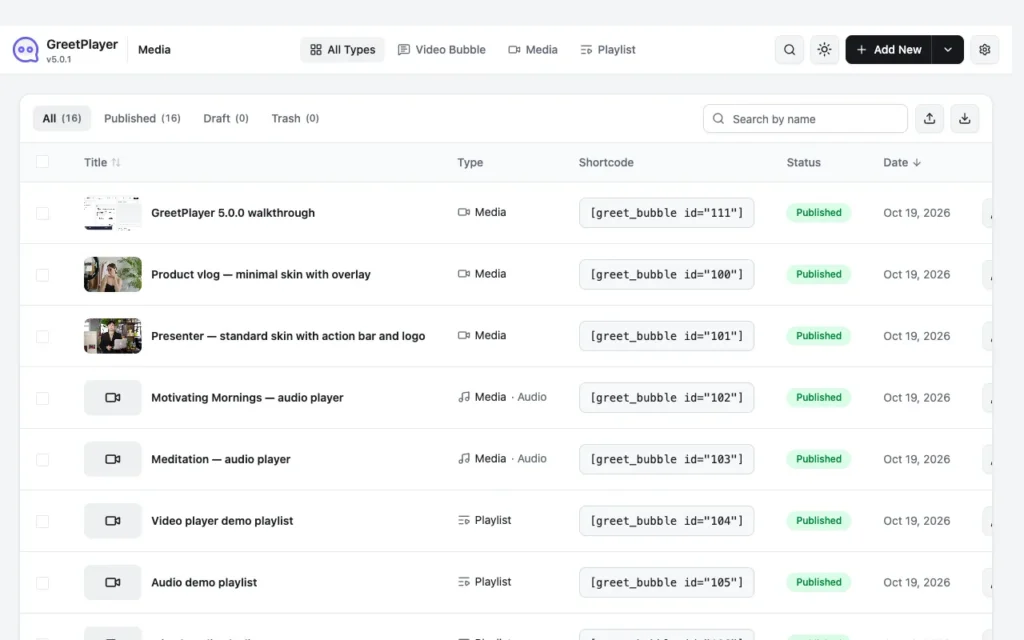
Create and publish each video or audio entry (Add New → Media).
-
Create the playlist
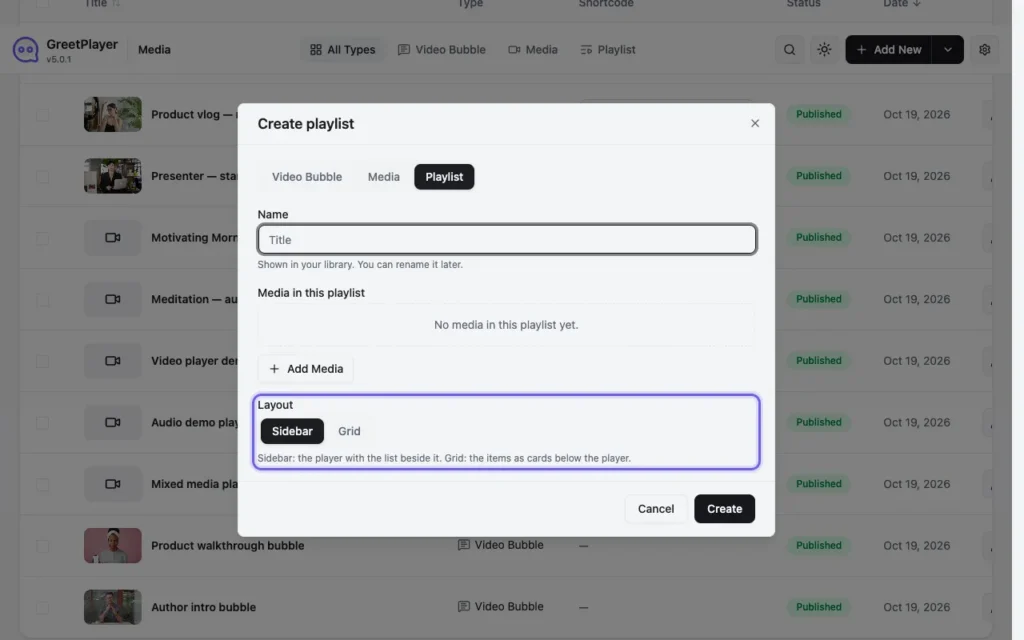
Go to GreetPlayer → Media and click Add New. Choose Playlist, enter a Name and click Create.
-
Add the media

Under Media in This Playlist, click Add Media and pick your entries. Drag them, or use the arrows, to set the order.
-
Choose the layout
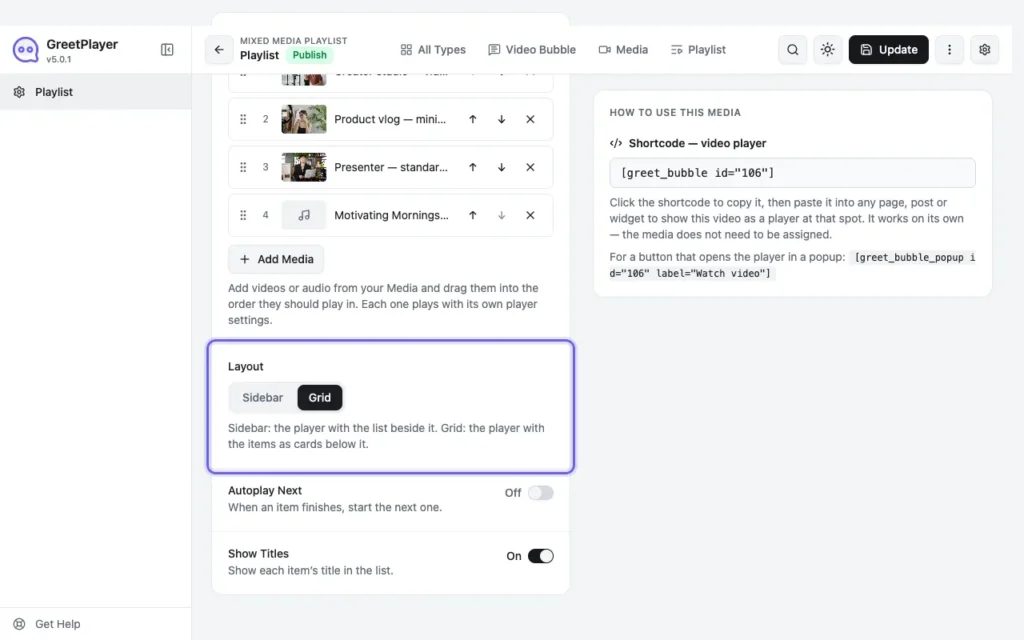
Pick the Layout: Sidebar (list beside the player) or Grid (cards below it). Turn Autoplay Next and Show Titles on or off.
-
Publish and embed

Click Publish and paste the playlist’s shortcode into a page.
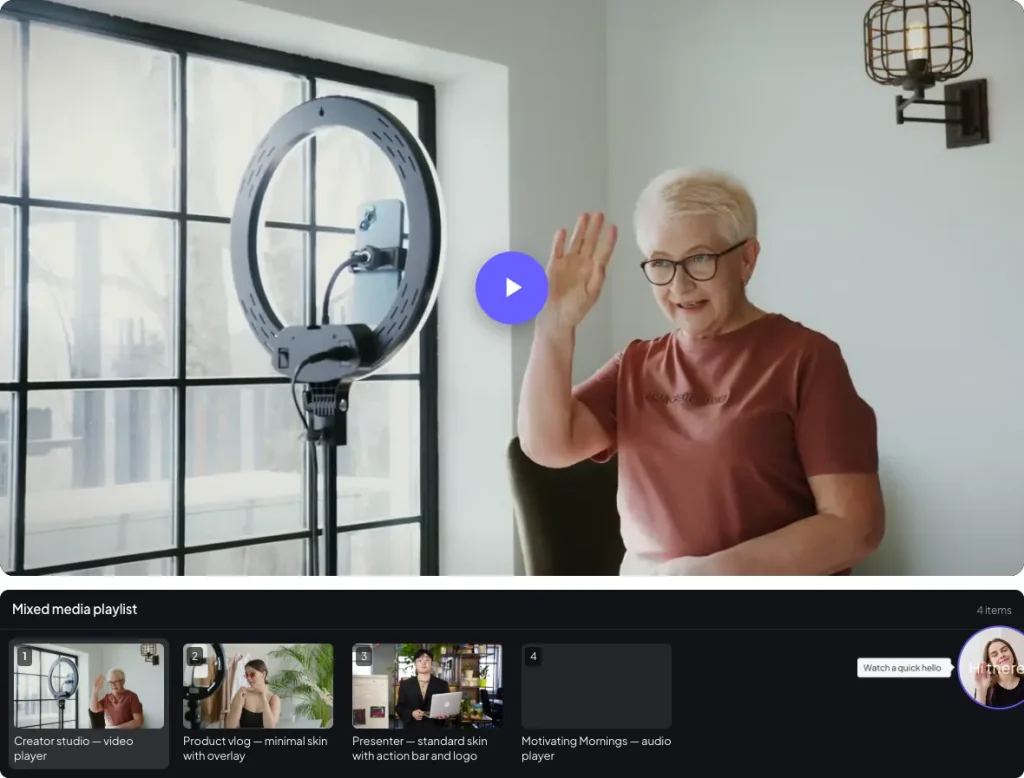
Note Only published entries appear in a playlist, and a playlist can’t contain another playlist.
See it live Open the playlists demo →