
Free Works in GreetPlayer Free and Pro.
GreetPlayer (formerly Greet Bubble) is free on WordPress.org. Install it like any other plugin, then use the GreetPlayer menu it adds to WordPress.
Step by step
Install GreetPlayer from your WordPress dashboard.
-
Add the plugin
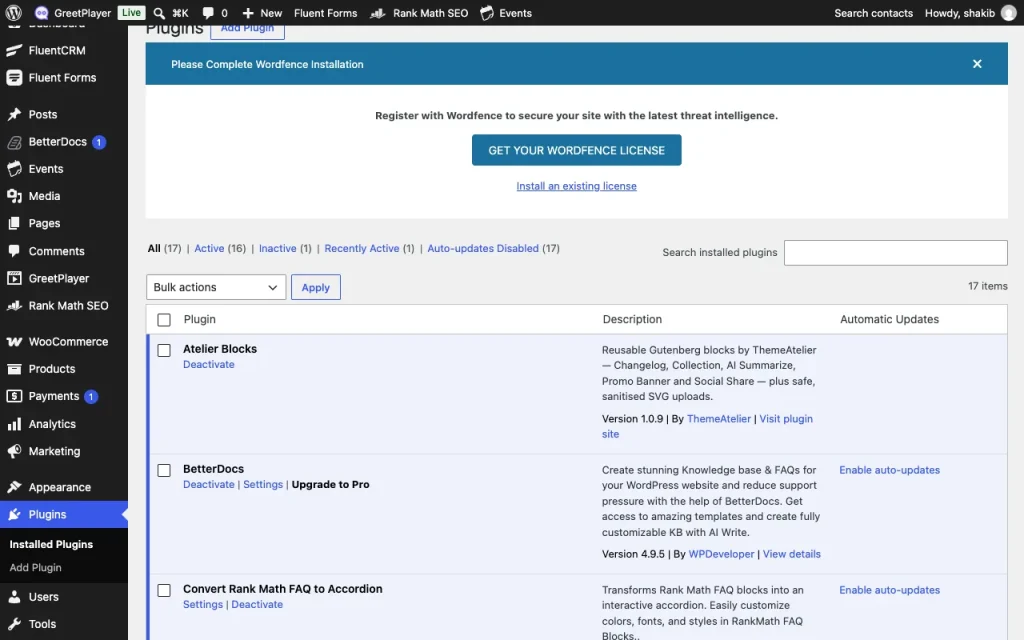
In WordPress, go to Plugins → Add New Plugin and search for GreetPlayer. Click Install Now, then Activate.
-
Open the GreetPlayer menu
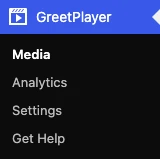
A GreetPlayer menu appears in the dashboard, with Media, Analytics, Settings and Get Help.
-
Open the Media screen
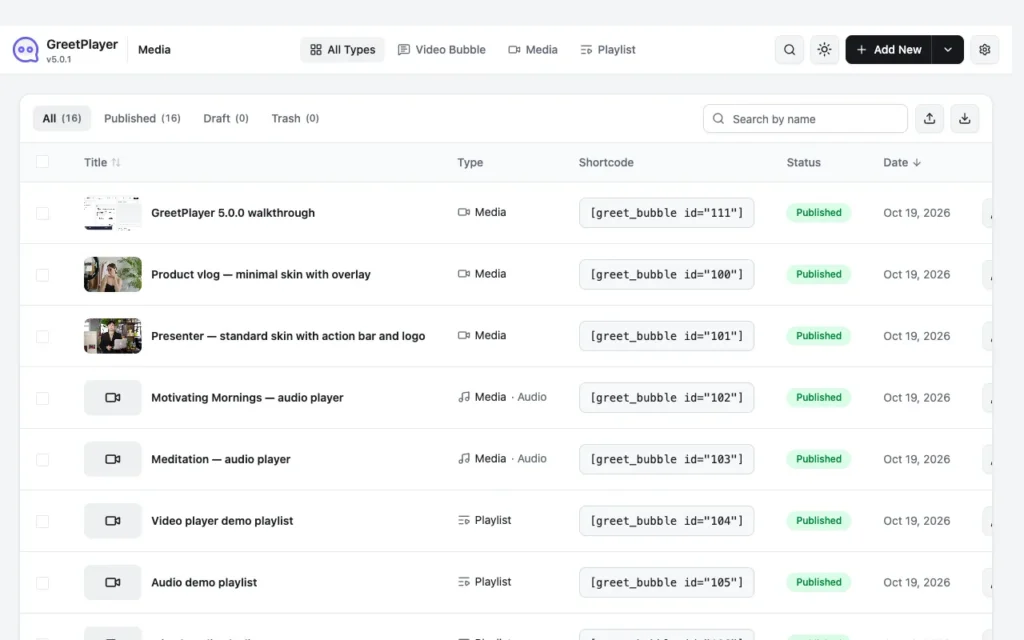
Go to GreetPlayer → Media. This is where you create every bubble, player, audio player and playlist.
Upload the zip instead
If you downloaded greet-bubble.zip, go to Plugins → Add New Plugin → Upload Plugin, choose the file and click Install Now. Or extract it and upload the greet-bubble folder to /wp-content/plugins/ by FTP, then activate it on the Plugins screen.
Note Updating from Greet Bubble? GreetPlayer is the same plugin under a new name. Your bubbles, settings, assignments and analytics carry over when you update.
See it live Try every GreetPlayer demo →